










---
Widgets that make it easy to integrate blocs and cubits into [Flutter](https://flutter.dev). Built to work with [package:bloc](https://pub.dev/packages/bloc).
**Learn more at [bloclibrary.dev](https://bloclibrary.dev)!**
_\*Note: All widgets exported by the `flutter_bloc` package integrate with both `Cubit` and `Bloc` instances._
---
## Sponsors
Our top sponsors are shown below! [[Become a Sponsor](https://github.com/sponsors/felangel)]
---
## Usage
Lets take a look at how to use `BlocProvider` to provide a `CounterCubit` to a `CounterPage` and react to state changes with `BlocBuilder`.
### counter_cubit.dart
```dart
class CounterCubit extends Cubit {
CounterCubit() : super(0);
void increment() => emit(state + 1);
void decrement() => emit(state - 1);
}
```
### main.dart
```dart
void main() => runApp(CounterApp());
class CounterApp extends StatelessWidget {
@override
Widget build(BuildContext context) {
return MaterialApp(
home: BlocProvider(
create: (_) => CounterCubit(),
child: CounterPage(),
),
);
}
}
```
### counter_page.dart
```dart
class CounterPage extends StatelessWidget {
@override
Widget build(BuildContext context) {
return Scaffold(
appBar: AppBar(title: const Text('Counter')),
body: BlocBuilder(
builder: (context, count) => Center(child: Text('$count')),
),
floatingActionButton: Column(
crossAxisAlignment: CrossAxisAlignment.end,
mainAxisAlignment: MainAxisAlignment.end,
children: [
FloatingActionButton(
child: const Icon(Icons.add),
onPressed: () => context.read().increment(),
),
const SizedBox(height: 4),
FloatingActionButton(
child: const Icon(Icons.remove),
onPressed: () => context.read().decrement(),
),
],
),
);
}
}
```
At this point we have successfully separated our presentational layer from our business logic layer. Notice that the `CounterPage` widget knows nothing about what happens when a user taps the buttons. The widget simply notifies the `CounterCubit` that the user has pressed either the increment or decrement button.
## Bloc Widgets
### BlocBuilder
**BlocBuilder** is a Flutter widget which requires a `bloc` and a `builder` function. `BlocBuilder` handles building the widget in response to new states. `BlocBuilder` is very similar to `StreamBuilder` but has a more simple API to reduce the amount of boilerplate code needed. The `builder` function will potentially be called many times and should be a [pure function](https://en.wikipedia.org/wiki/Pure_function) that returns a widget in response to the state.
See `BlocListener` if you want to "do" anything in response to state changes such as navigation, showing a dialog, etc...
If the `bloc` parameter is omitted, `BlocBuilder` will automatically perform a lookup using `BlocProvider` and the current `BuildContext`.
```dart
BlocBuilder(
builder: (context, state) {
// return widget here based on BlocA's state
}
)
```
Only specify the bloc if you wish to provide a bloc that will be scoped to a single widget and isn't accessible via a parent `BlocProvider` and the current `BuildContext`.
```dart
BlocBuilder(
bloc: blocA, // provide the local bloc instance
builder: (context, state) {
// return widget here based on BlocA's state
}
)
```
For fine-grained control over when the `builder` function is called an optional `buildWhen` can be provided. `buildWhen` takes the previous bloc state and current bloc state and returns a boolean. If `buildWhen` returns true, `builder` will be called with `state` and the widget will rebuild. If `buildWhen` returns false, `builder` will not be called with `state` and no rebuild will occur.
```dart
BlocBuilder(
buildWhen: (previousState, state) {
// return true/false to determine whether or not
// to rebuild the widget with state
},
builder: (context, state) {
// return widget here based on BlocA's state
}
)
```
### BlocSelector
**BlocSelector** is a Flutter widget which is analogous to `BlocBuilder` but allows developers to filter updates by selecting a new value based on the current bloc state. Unnecessary builds are prevented if the selected value does not change. The selected value must be immutable in order for `BlocSelector` to accurately determine whether `builder` should be called again.
If the `bloc` parameter is omitted, `BlocSelector` will automatically perform a lookup using `BlocProvider` and the current `BuildContext`.
```dart
BlocSelector(
selector: (state) {
// return selected state based on the provided state.
},
builder: (context, state) {
// return widget here based on the selected state.
},
)
```
### BlocProvider
**BlocProvider** is a Flutter widget which provides a bloc to its children via `BlocProvider.of(context)`. It is used as a dependency injection (DI) widget so that a single instance of a bloc can be provided to multiple widgets within a subtree.
In most cases, `BlocProvider` should be used to create new blocs which will be made available to the rest of the subtree. In this case, since `BlocProvider` is responsible for creating the bloc, it will automatically handle closing it.
```dart
BlocProvider(
create: (BuildContext context) => BlocA(),
child: ChildA(),
);
```
By default, BlocProvider will create the bloc lazily, meaning `create` will get executed when the bloc is looked up via `BlocProvider.of(context)`.
To override this behavior and force `create` to be run immediately, `lazy` can be set to `false`.
```dart
BlocProvider(
lazy: false,
create: (BuildContext context) => BlocA(),
child: ChildA(),
);
```
In some cases, `BlocProvider` can be used to provide an existing bloc to a new portion of the widget tree. This will be most commonly used when an existing `bloc` needs to be made available to a new route. In this case, `BlocProvider` will not automatically close the bloc since it did not create it.
```dart
BlocProvider.value(
value: BlocProvider.of(context),
child: ScreenA(),
);
```
then from either `ChildA`, or `ScreenA` we can retrieve `BlocA` with:
```dart
// with extensions
context.read();
// without extensions
BlocProvider.of(context);
```
The above snippets result in a one time lookup and the widget will not be notified of changes. To retrieve the instance and subscribe to subsequent state changes use:
```dart
// with extensions
context.watch();
// without extensions
BlocProvider.of(context, listen: true);
```
In addition, `context.select` can be used to retrieve part of a state and react to changes only when the selected part changes.
```dart
final isPositive = context.select((CounterBloc b) => b.state >= 0);
```
The snippet above will only rebuild if the state of the `CounterBloc` changes from positive to negative or vice versa and is functionally identical to using a `BlocSelector`.
### MultiBlocProvider
**MultiBlocProvider** is a Flutter widget that merges multiple `BlocProvider` widgets into one.
`MultiBlocProvider` improves the readability and eliminates the need to nest multiple `BlocProviders`.
By using `MultiBlocProvider` we can go from:
```dart
BlocProvider(
create: (BuildContext context) => BlocA(),
child: BlocProvider(
create: (BuildContext context) => BlocB(),
child: BlocProvider(
create: (BuildContext context) => BlocC(),
child: ChildA(),
)
)
)
```
to:
```dart
MultiBlocProvider(
providers: [
BlocProvider(
create: (BuildContext context) => BlocA(),
),
BlocProvider(
create: (BuildContext context) => BlocB(),
),
BlocProvider(
create: (BuildContext context) => BlocC(),
),
],
child: ChildA(),
)
```
### BlocListener
**BlocListener** is a Flutter widget which takes a `BlocWidgetListener` and an optional `bloc` and invokes the `listener` in response to state changes in the bloc. It should be used for functionality that needs to occur once per state change such as navigation, showing a `SnackBar`, showing a `Dialog`, etc...
`listener` is only called once for each state change (**NOT** including the initial state) unlike `builder` in `BlocBuilder` and is a `void` function.
If the bloc parameter is omitted, `BlocListener` will automatically perform a lookup using `BlocProvider` and the current `BuildContext`.
```dart
BlocListener(
listener: (context, state) {
// do stuff here based on BlocA's state
},
child: Container(),
)
```
Only specify the bloc if you wish to provide a bloc that is otherwise not accessible via `BlocProvider` and the current `BuildContext`.
```dart
BlocListener(
bloc: blocA,
listener: (context, state) {
// do stuff here based on BlocA's state
}
)
```
For fine-grained control over when the `listener` function is called an optional `listenWhen` can be provided. `listenWhen` takes the previous bloc state and current bloc state and returns a boolean. If `listenWhen` returns true, `listener` will be called with `state`. If `listenWhen` returns false, `listener` will not be called with `state`.
```dart
BlocListener(
listenWhen: (previousState, state) {
// return true/false to determine whether or not
// to call listener with state
},
listener: (context, state) {
// do stuff here based on BlocA's state
},
child: Container(),
)
```
### MultiBlocListener
**MultiBlocListener** is a Flutter widget that merges multiple `BlocListener` widgets into one.
`MultiBlocListener` improves the readability and eliminates the need to nest multiple `BlocListeners`.
By using `MultiBlocListener` we can go from:
```dart
BlocListener(
listener: (context, state) {},
child: BlocListener(
listener: (context, state) {},
child: BlocListener(
listener: (context, state) {},
child: ChildA(),
),
),
)
```
to:
```dart
MultiBlocListener(
listeners: [
BlocListener(
listener: (context, state) {},
),
BlocListener(
listener: (context, state) {},
),
BlocListener(
listener: (context, state) {},
),
],
child: ChildA(),
)
```
### BlocConsumer
**BlocConsumer** exposes a `builder` and `listener` in order react to new states. `BlocConsumer` is analogous to a nested `BlocListener` and `BlocBuilder` but reduces the amount of boilerplate needed. `BlocConsumer` should only be used when it is necessary to both rebuild UI and execute other reactions to state changes in the `bloc`. `BlocConsumer` takes a required `BlocWidgetBuilder` and `BlocWidgetListener` and an optional `bloc`, `BlocBuilderCondition`, and `BlocListenerCondition`.
If the `bloc` parameter is omitted, `BlocConsumer` will automatically perform a lookup using
`BlocProvider` and the current `BuildContext`.
```dart
BlocConsumer(
listener: (context, state) {
// do stuff here based on BlocA's state
},
builder: (context, state) {
// return widget here based on BlocA's state
}
)
```
An optional `listenWhen` and `buildWhen` can be implemented for more granular control over when `listener` and `builder` are called. The `listenWhen` and `buildWhen` will be invoked on each `bloc` `state` change. They each take the previous `state` and current `state` and must return a `bool` which determines whether or not the `builder` and/or `listener` function will be invoked. The previous `state` will be initialized to the `state` of the `bloc` when the `BlocConsumer` is initialized. `listenWhen` and `buildWhen` are optional and if they aren't implemented, they will default to `true`.
```dart
BlocConsumer(
listenWhen: (previous, current) {
// return true/false to determine whether or not
// to invoke listener with state
},
listener: (context, state) {
// do stuff here based on BlocA's state
},
buildWhen: (previous, current) {
// return true/false to determine whether or not
// to rebuild the widget with state
},
builder: (context, state) {
// return widget here based on BlocA's state
}
)
```
### RepositoryProvider
**RepositoryProvider** is a Flutter widget which provides a repository to its children via `RepositoryProvider.of(context)`. It is used as a dependency injection (DI) widget so that a single instance of a repository can be provided to multiple widgets within a subtree. `BlocProvider` should be used to provide blocs whereas `RepositoryProvider` should only be used for repositories.
```dart
RepositoryProvider(
create: (context) => RepositoryA(),
child: ChildA(),
);
```
then from `ChildA` we can retrieve the `Repository` instance with:
```dart
// with extensions
context.read();
// without extensions
RepositoryProvider.of(context)
```
### MultiRepositoryProvider
**MultiRepositoryProvider** is a Flutter widget that merges multiple `RepositoryProvider` widgets into one.
`MultiRepositoryProvider` improves the readability and eliminates the need to nest multiple `RepositoryProvider`.
By using `MultiRepositoryProvider` we can go from:
```dart
RepositoryProvider(
create: (context) => RepositoryA(),
child: RepositoryProvider(
create: (context) => RepositoryB(),
child: RepositoryProvider(
create: (context) => RepositoryC(),
child: ChildA(),
)
)
)
```
to:
```dart
MultiRepositoryProvider(
providers: [
RepositoryProvider(
create: (context) => RepositoryA(),
),
RepositoryProvider(
create: (context) => RepositoryB(),
),
RepositoryProvider(
create: (context) => RepositoryC(),
),
],
child: ChildA(),
)
```
## Gallery
## Examples
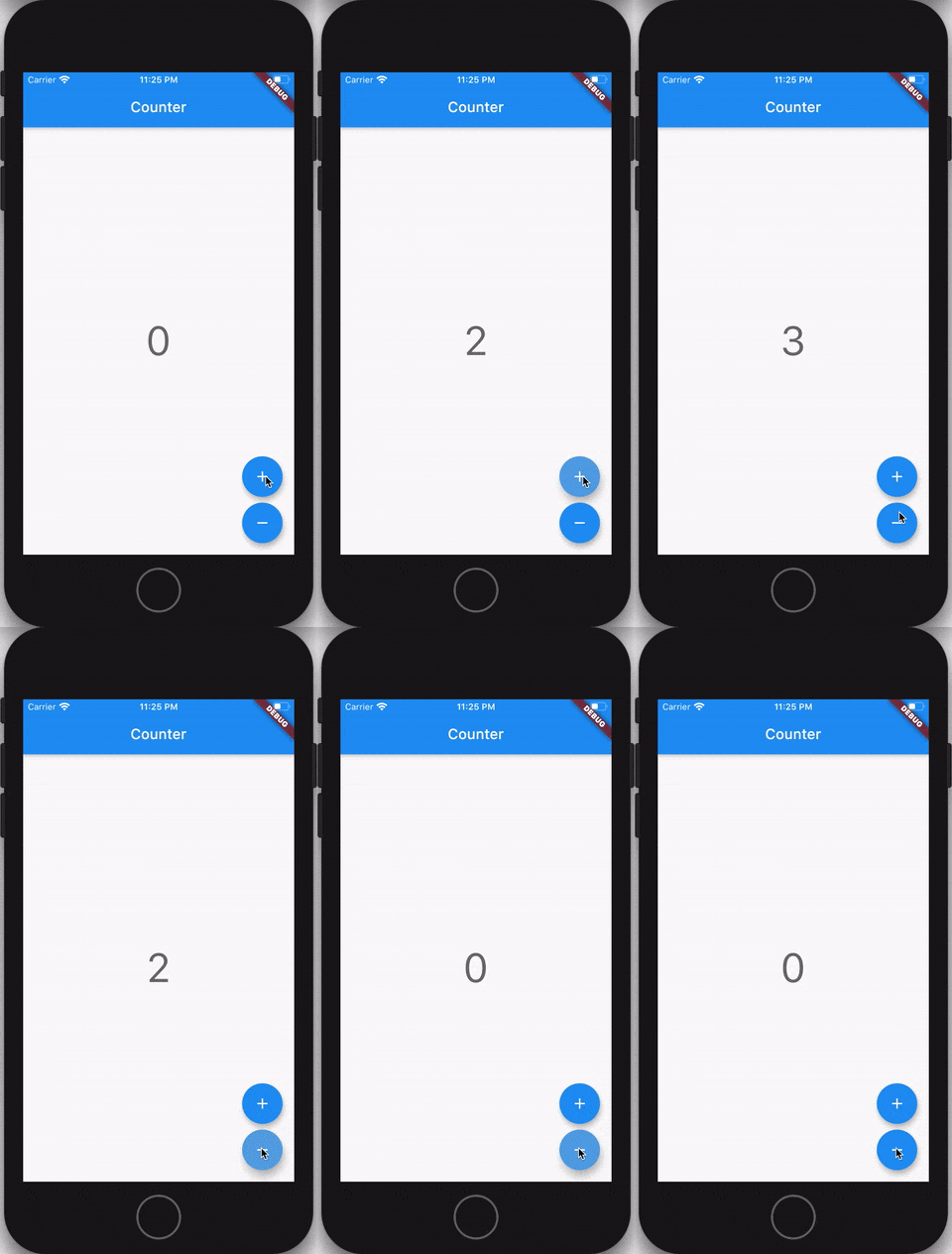
- [Counter](https://bloclibrary.dev/tutorials/flutter-counter) - an example of how to create a `CounterBloc` to implement the classic Flutter Counter app.
- [Form Validation](https://github.com/felangel/bloc/tree/master/examples/flutter_form_validation) - an example of how to use the `bloc` and `flutter_bloc` packages to implement form validation.
- [Bloc with Stream](https://github.com/felangel/bloc/tree/master/examples/flutter_bloc_with_stream) - an example of how to hook up a `bloc` to a `Stream` and update the UI in response to data from the `Stream`.
- [Complex List](https://github.com/felangel/bloc/tree/master/examples/flutter_complex_list) - an example of how to manage a list of items and asynchronously delete items one at a time using `bloc` and `flutter_bloc`.
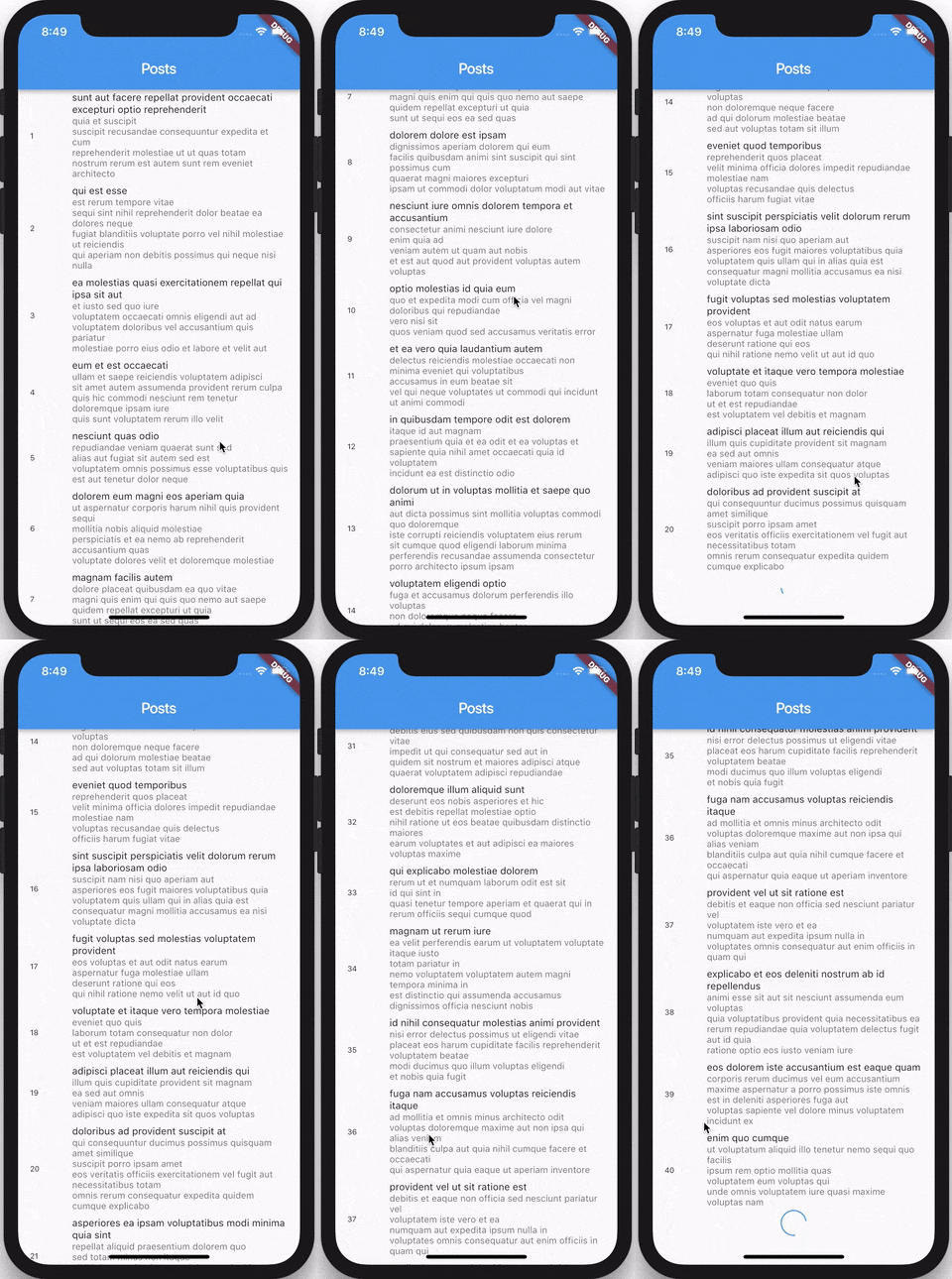
- [Infinite List](https://bloclibrary.dev/tutorials/flutter-infinite-list) - an example of how to use the `bloc` and `flutter_bloc` packages to implement an infinite scrolling list.
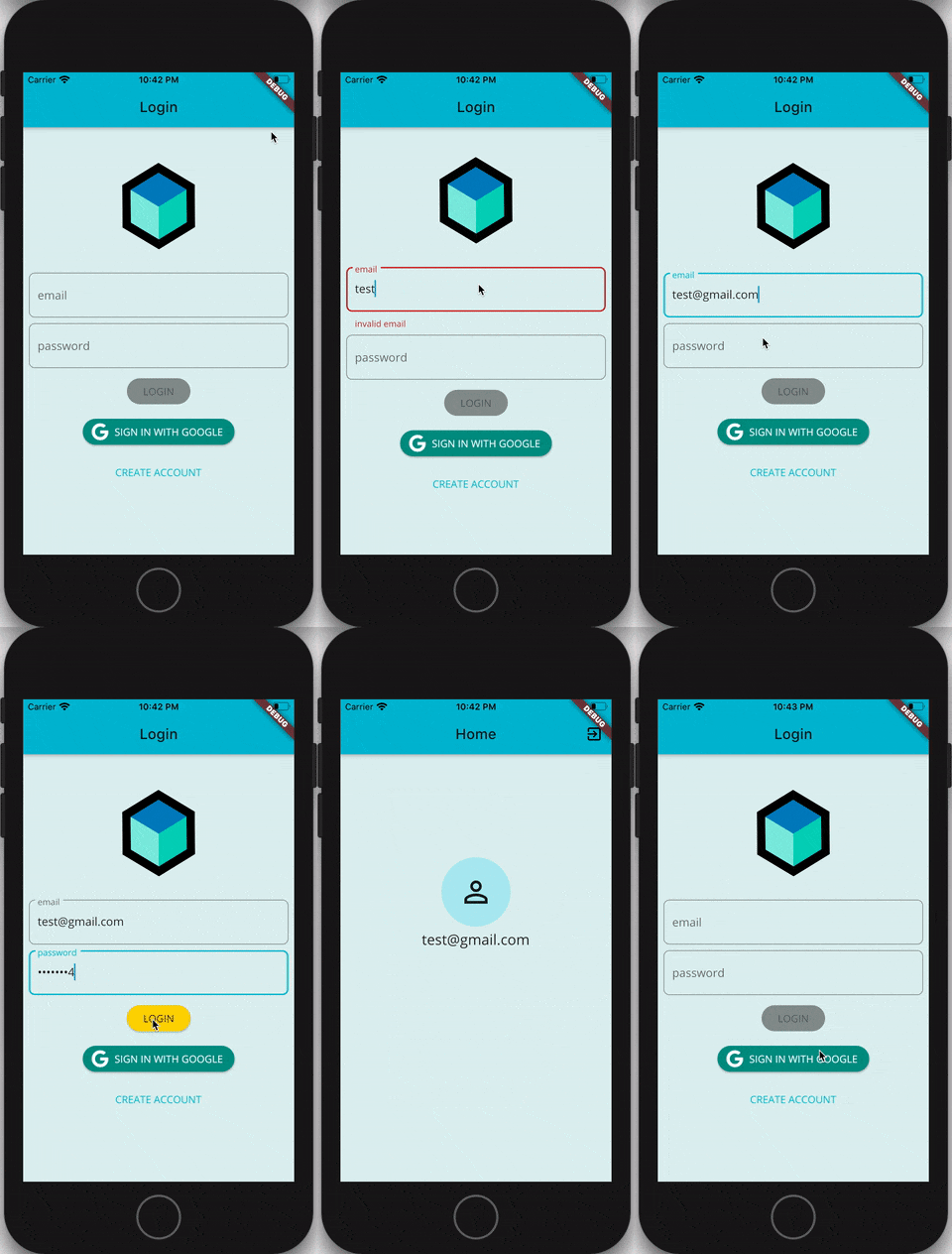
- [Login Flow](https://bloclibrary.dev/tutorials/flutter-login) - an example of how to use the `bloc` and `flutter_bloc` packages to implement a Login Flow.
- [Firebase Login](https://bloclibrary.dev/tutorials/flutter-firebase-login) - an example of how to use the `bloc` and `flutter_bloc` packages to implement login via Firebase.
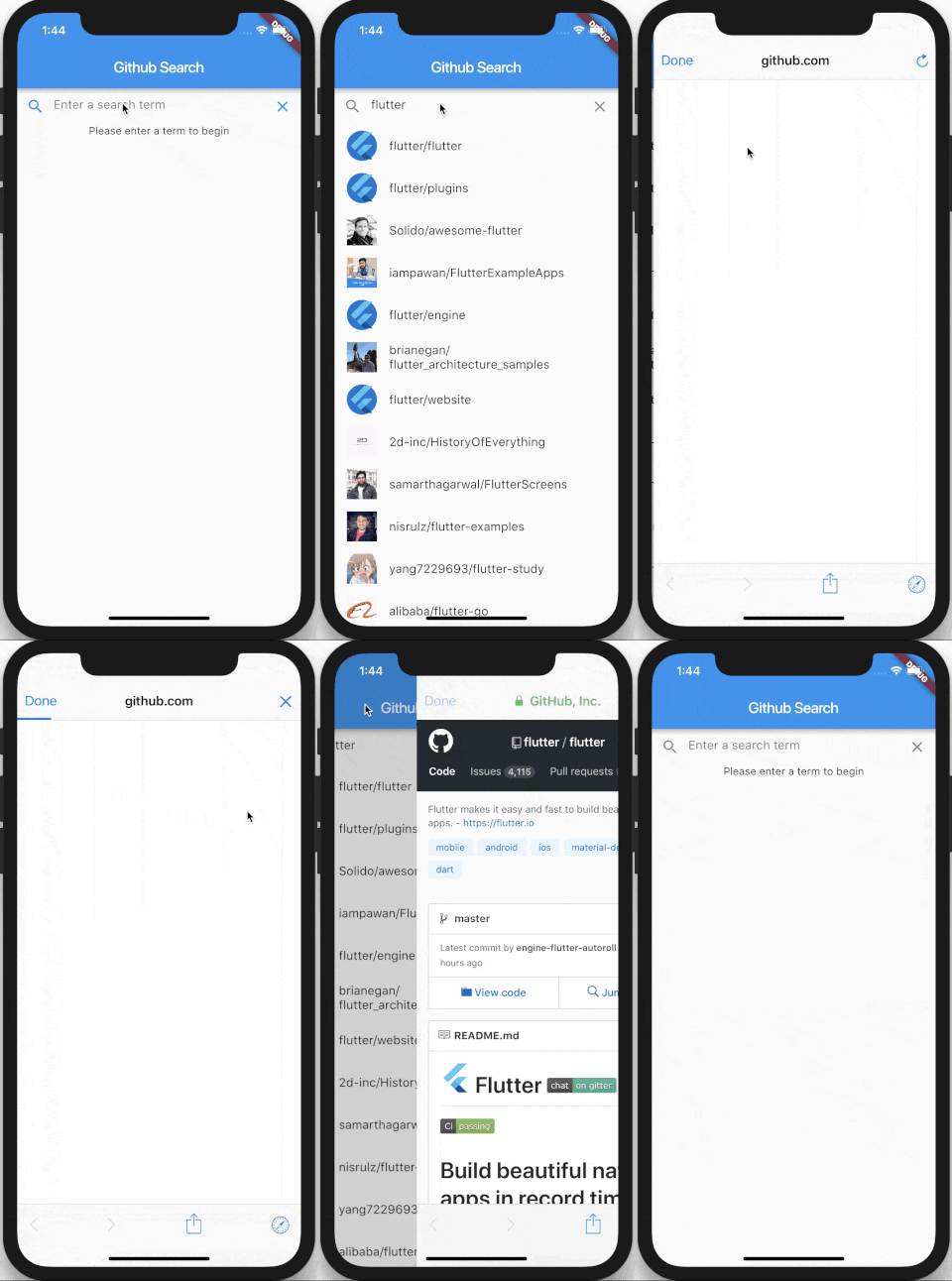
- [Github Search](https://bloclibrary.dev/tutorials/github-search) - an example of how to create a Github Search Application using the `bloc` and `flutter_bloc` packages.
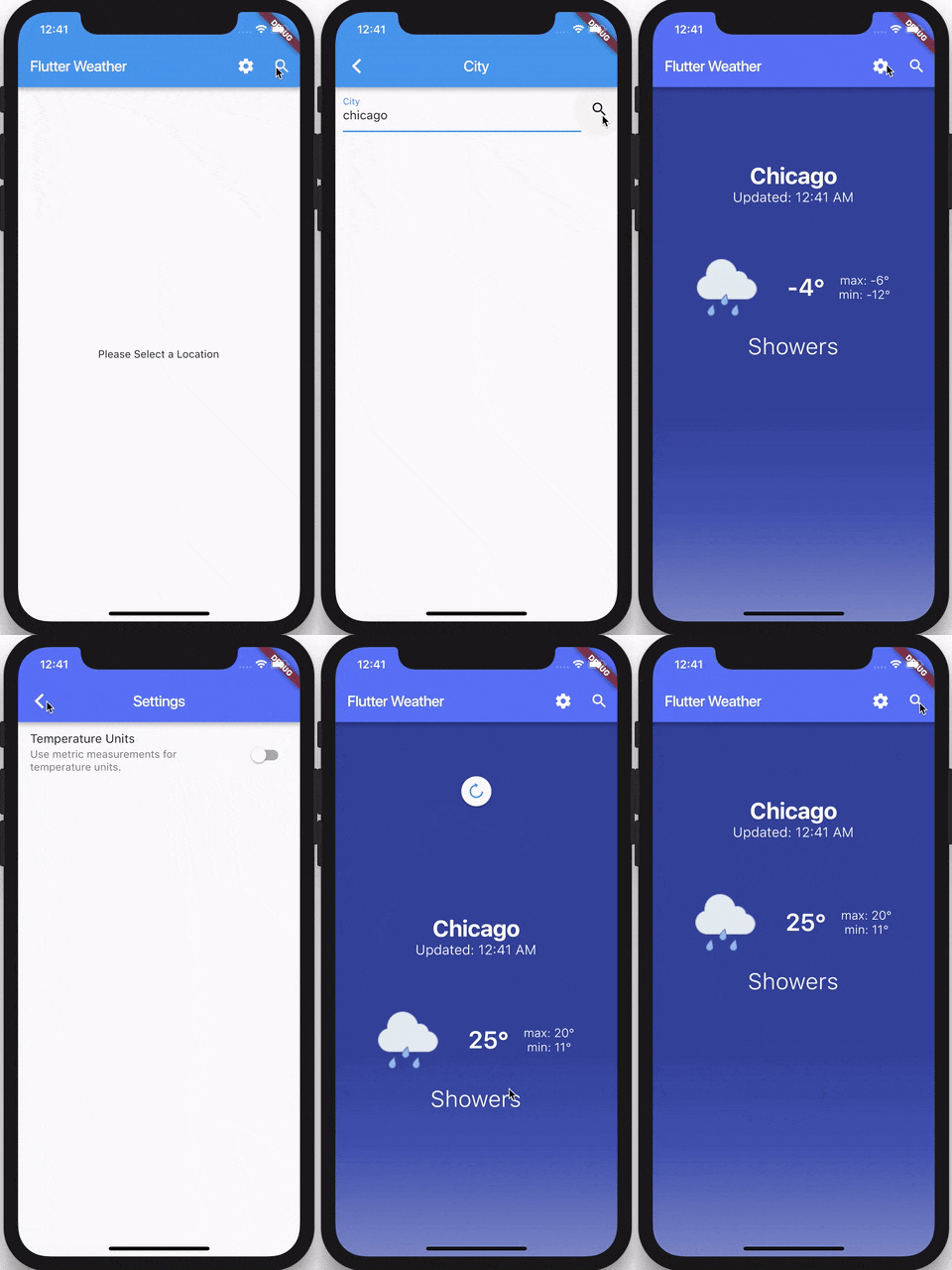
- [Weather](https://bloclibrary.dev/tutorials/flutter-weather) - an example of how to create a Weather Application using the `bloc` and `flutter_bloc` packages. The app uses a `RefreshIndicator` to implement "pull-to-refresh" as well as dynamic theming.
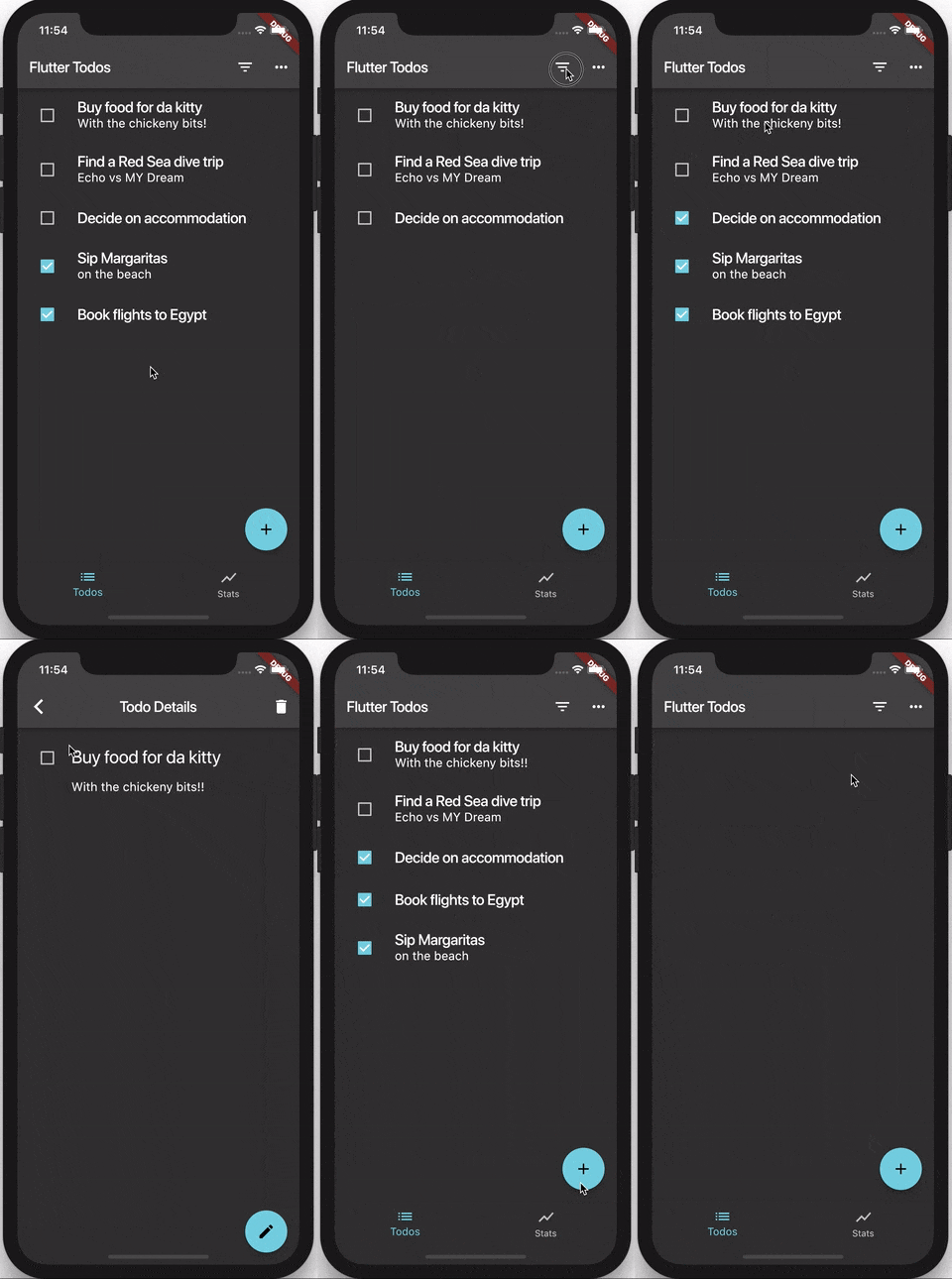
- [Todos](https://bloclibrary.dev/tutorials/flutter-todos) - an example of how to create a Todos Application using the `bloc` and `flutter_bloc` packages.
- [Timer](https://bloclibrary.dev/tutorials/flutter-timer) - an example of how to create a Timer using the `bloc` and `flutter_bloc` packages.
- [Shopping Cart](https://github.com/felangel/bloc/tree/master/examples/flutter_shopping_cart) - an example of how to create a Shopping Cart Application using the `bloc` and `flutter_bloc` packages based on [flutter samples](https://github.com/flutter/samples/tree/master/provider_shopper).
- [Dynamic Form](https://github.com/felangel/bloc/tree/master/examples/flutter_dynamic_form) - an example of how to use the `bloc` and `flutter_bloc` packages to implement a dynamic form which pulls data from a repository.
- [Wizard](https://github.com/felangel/bloc/tree/master/examples/flutter_wizard) - an example of how to build a multi-step wizard using the `bloc` and `flutter_bloc` packages.
- [Fluttersaurus](https://github.com/felangel/fluttersaurus) - an example of how to use the `bloc` and `flutter_bloc` packages to create a thesuarus app -- made for Bytconf Flutter 2020.
- [I/O Photo Booth](https://github.com/flutter/photobooth) - an example of how to use the `bloc` and `flutter_bloc` packages to create a virtual photo booth web app -- made for Google I/O 2021.
- [I/O Pinball](https://github.com/flutter/pinball) - an example of how to use the `bloc` and `flutter_bloc` packages to create a pinball web app -- made for Google I/O 2022.
## Dart Versions
- Dart 2: >= 2.12
## Maintainers
- [Felix Angelov](https://github.com/felangel)